A Destiny 2 ban can leave you wondering whether your account is gone or you just need to wait.
Guessing from another player’s experience can send you toward the wrong fix.
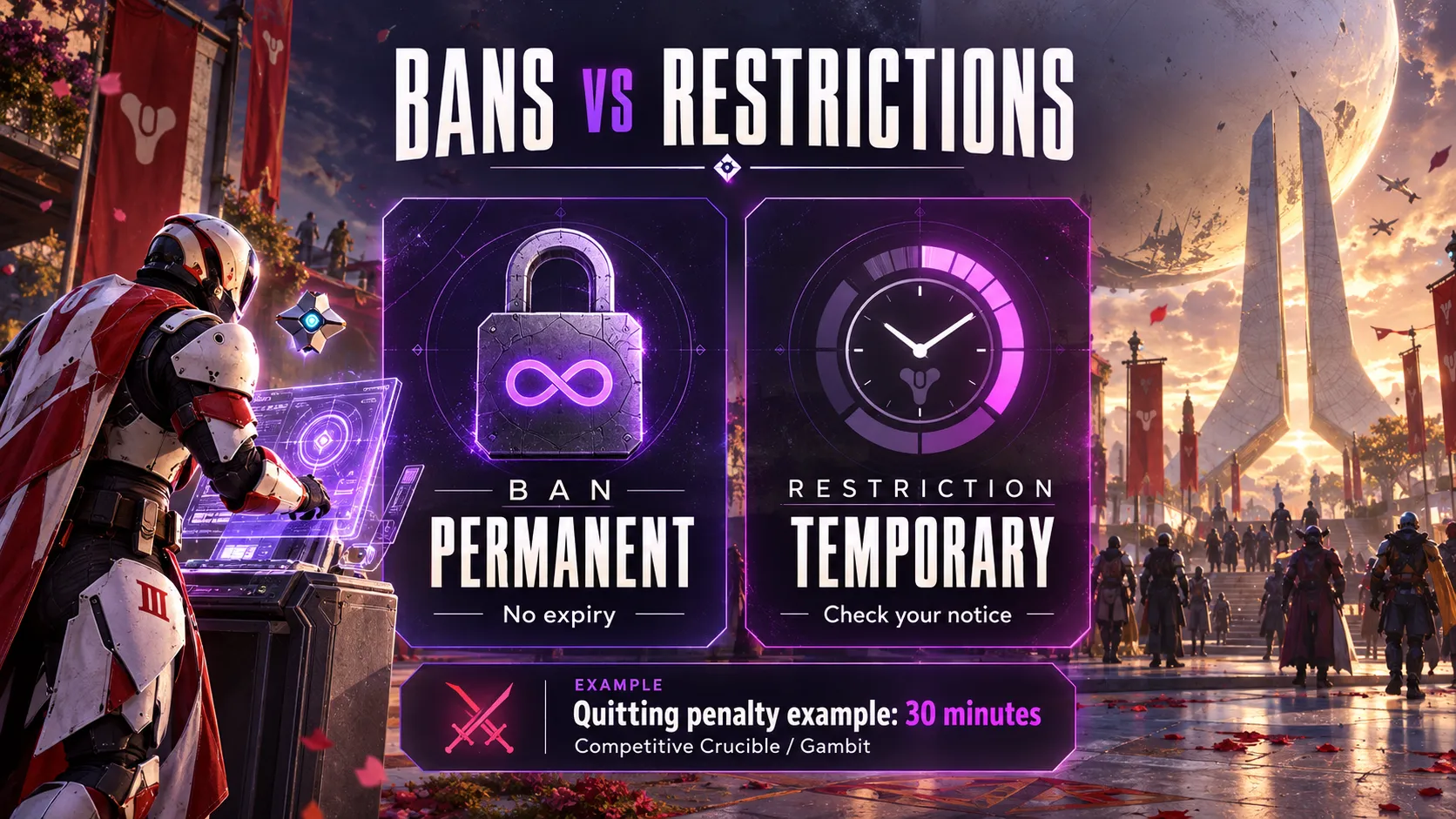
Start with the notice on your screen: a ban is permanent, while a restriction is temporary. We’ll explain the penalties, the behavior Bungie acts on, and how to prepare an appeal.
Table of Contents
- Destiny 2 ban vs. restriction: what is the difference?
- How long do Destiny 2 bans and restrictions last?
- What can get you banned in Destiny 2?
- Can you be punished for another player’s cheats?
- Is a BattlEye kick or error code a ban?
- How to appeal a Destiny 2 ban or restriction
- What to do while you wait
- Key takeaways
- Destiny 2 ban FAQ
Destiny 2 ban vs. restriction: what is the difference?
Bungie’s account restrictions and banning policy separates the penalty’s duration from where it applies.
| Penalty | Duration | Where it applies |
|---|---|---|
| Account restriction | Temporary | Named activities on the account |
| Device restriction | Temporary | Named activities on the hardware |
| Account ban | Permanent | Banned activities on the account |
| Device ban | Permanent | Destiny activities on the hardware, regardless of account |
Activity penalties can also remove access to related gear or content.
Our advice: screenshot the notice before troubleshooting.
Keep its exact wording, including any activity names or timer. Calling everything a “ban” makes it harder to explain what happened when you ask for help.
How long do Destiny 2 bans and restrictions last?
Bans have no expiry; restrictions do.
Bungie specifies a 30-minute Crucible restriction for habitual quitting from Competitive Crucible or Gambit matches.
That example is not a universal penalty ladder. Check your notice rather than assuming every first or repeat offense gets a fixed duration.
For your own records, write down when you first saw the restriction and what you were trying to launch.
If the message gives an expiry, copy it exactly instead of estimating from a forum post.
What can get you banned in Destiny 2?
Cheating and disruptive behavior
Bungie’s Community Standards and Codes of Conduct cover more than cheating software.
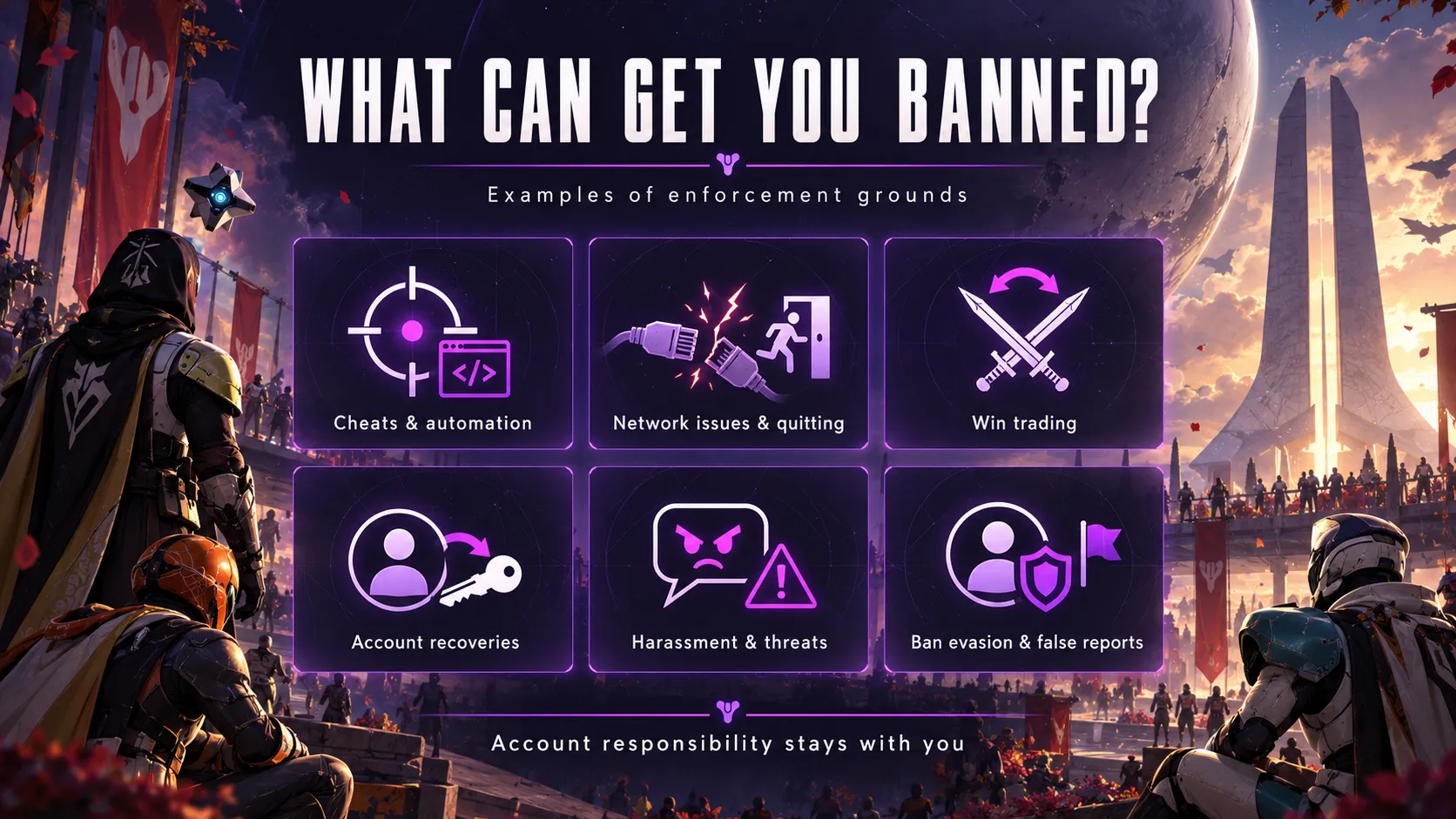
The enforcement categories include:
- Cheating, network manipulation, and poor connection quality.
- Frequent quitting or removal from matchmade games.
- Third-party code injection and abuse of accessibility tools.
- Win trading and account recoveries.
- Harassment, threats, hate speech, and privacy violations.
- False reports, credential theft, and ban evasion.
Consequences can include chat restrictions or name and clan resets as well as game-access penalties.
These are examples of covered conduct, not a promise that each offense receives the same punishment.
When reviewing your situation, separate what you know from what you suspect.
“I disconnected during three matches” describes an event.
“Someone reported me, so that caused my ban” assumes a cause you have not established.
Account recoveries and win trading
In Bungie’s Destiny 2 Security Update, an account recovery means giving someone else access to your account and characters.
Boosting recoveries can lead to penalties whether paid or free.
Someone else cheating on your account does not remove your responsibility.
Win trading means arranging PvP wins, including coordinating uncontested victories or manipulating matchmaking to meet chosen opponents.
Before accepting help, ask what the offer requires.
Playing alongside a teammate and handing over your login are different arrangements.
If someone asks for credentials, treat that as an account-access decision, not merely an invitation to a match.
Our Destiny 2 build includes Aimbot, Player/NPC ESP, and combat enhancements, with setup support available through our team.
You can review the included features and current access offer on our Destiny 2 free trial page.
No cheat can guarantee zero ban risk, and product support cannot overturn a Bungie penalty.
Can you be punished for another player’s cheats?
Bungie warns that enforcement can extend to a cheater’s fireteam. Our guide to Destiny 2 ban waves covers a documented case.
However, its October 7, 2026 update addressed a specific problem: cheat users sending other players unearned rewards and XP.
Bungie said innocent recipients who had not sought those cheats or their benefits would not be punished.
That clarification concerns the reward-spam incident.
It should not be stretched into a general promise that every teammate or beneficiary of cheating is protected.
If unexpected rewards appeared on your account, record the time, location, and what you observed.
Explain whether you joined deliberately, received an invitation, or were simply present.
A precise description is more useful than trying to diagnose the cheat yourself.
Is a BattlEye kick or error code a ban?
A kick is not automatically a ban.
Bungie’s Security Update explains that incompatible software can cause BattlEye to block a launch or kick a player without issuing a ban. Our Destiny 2 anti-cheat guide covers the common BattlEye errors.
Likewise, WEASEL alone does not establish a ban.
Our recommended first step is to separate the two questions: “Why did the session end?” and “Did I receive an enforcement notice?”
Save both messages if you have them.
Avoid describing a technical error as a confirmed account penalty before checking the wording.
How to appeal a Destiny 2 ban or restriction
Use Bungie’s ban and restriction appeal page.
An appeal is a request to reconsider enforcement, not a guaranteed route back into the game.
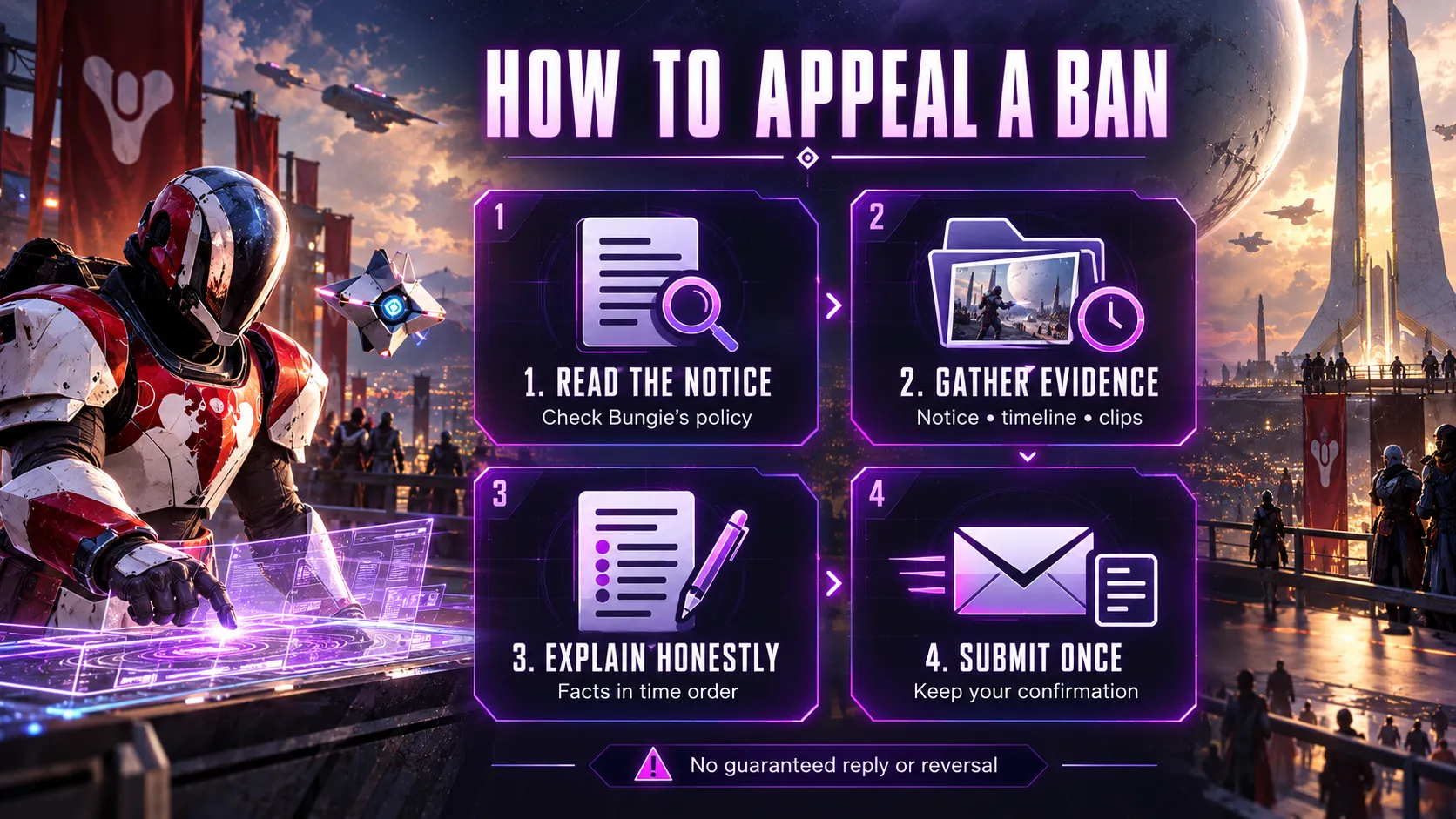
1. Read the policy and your notice
Read the appeal guidance before using its submission button.
Bungie says requests asking only for the ban reason or restriction length will be disregarded.
Start your explanation with the decision you are appealing and the evidence supporting a review.
2. Gather a short, factual timeline
We recommend preparing these notes before opening the form:
| Note | What to record | Why it helps your explanation |
|---|---|---|
| Enforcement notice | Exact text and screenshot | Avoids ambiguity about the penalty |
| Timeline | Date, time, and time zone | Puts events in order |
| Session context | Activity and relevant events | Explains what preceded the notice |
| Supporting material | Relevant clips, screenshots, or records | Connects your account to observable details |
| Uncertainty | What you cannot verify | Keeps assumptions separate from evidence |
This is our preparation checklist, not a list of Bungie’s required form fields.
Include only material relevant to your case. A long collection of unrelated screenshots can obscure the point you want reviewed.
3. Explain what happened honestly
Bungie asks for supporting evidence and honesty about violations.
If a game bug is relevant, provide reproducible steps.
Write the appeal in chronological order. Say what you observed, what you did, and why the evidence supports reconsideration.
Do not invent an explanation just because another player used it successfully.
4. Submit once and keep the record
Bungie guarantees neither a reversal nor a reply.
Repeated or abusive submissions can result in additional restrictions.
Save a copy of your submission and any confirmation you receive.
Do not build your plans around an assumed response deadline.
What to do while you wait
Use the waiting period to organize your own records.
Keep the original notice, your appeal, and any response together so you can tell what has changed.
If you believe another person accessed your account, review account security separately from the enforcement dispute.
Change exposed credentials and check account recovery details.
Explain suspected unauthorized access accurately, without presenting an unverified suspicion as a confirmed breach.
For connection-related problems, note whether the issue affects one device, one network, or other online games.
That gives you a more useful starting point for troubleshooting than repeatedly relaunching the same activity.
Key takeaways
- Save the exact notice before deciding what to do next.
- Keep observed events separate from assumptions about the cause.
- Prepare a concise timeline and relevant evidence for an appeal.
- Keep account-security and connection troubleshooting records alongside your enforcement records.
Destiny 2 ban FAQ
Can you get unbanned from Destiny 2?
You can appeal, but reinstatement is not guaranteed.
Focus on evidence supporting a review.
How long does a Destiny 2 ban appeal take?
Bungie’s appeal page gives no guaranteed turnaround or response.
Keep your submission confirmation rather than relying on another player’s timeline.
Can you get banned for a bad internet connection?
Connection quality appears in Bungie’s enforcement rules.
If your notice concerns connectivity, investigate the connection before returning to the affected activity.
Can leaving Crucible or Gambit matches get you punished?
Yes. Bungie lists frequent quitting and match removals as enforcement grounds.
Avoid assuming that an intentional exit and a technical disconnect will always produce different outcomes.
Can a free account recovery get you banned?
Yes. Bungie’s Security Update explicitly includes free boosting recoveries among situations that can lead to penalties.
The absence of payment does not make the arrangement safe.
Can you be punished if someone else cheats on your account?
Yes. Bungie places responsibility on the account owner even when another person is playing.
Be careful about who receives access.
Does a device ban affect other accounts?
Yes. A banned device cannot access Destiny activities through another account.
Does receiving unexpected XP mean I will be banned?
Not necessarily.
Bungie’s October 7 clarification protects innocent recipients who did not seek the reward-spam cheats or their benefits.
Record what happened rather than assuming the rewards prove wrongdoing.
Can harassment lead to a Destiny 2 ban?
Yes. Bungie’s conduct rules include harassment and threats.
Enforcement is not limited to software cheats or competitive manipulation.
What should I do if I was banned for no reason?
Build a factual timeline and identify evidence that could explain a mistake.
Submit it through the official appeal route. Avoid treating guesses about reports, software, or teammates as established causes.