A Destiny 2 HWID ban is the player term for hardware-level enforcement. Bungie calls it a device ban and confirms that it blocks every account on the affected hardware.
Misreading a launch error as a ban can send you toward expensive, unnecessary fixes.
We explain the difference, which details to record, and how to prepare an appeal before buying replacement parts or a claimed solution.
Table of contents
- What is a Destiny 2 HWID ban?
- How long does a Destiny 2 hardware ban last?
- How to check a suspected Destiny 2 HWID ban
- What triggers device enforcement, and which parts are identified?
- Can you appeal a Destiny 2 hardware ban?
- Can reinstalling Windows, a VPN or a spoofer remove the ban?
- What if you bought a used PC or share one?
- Do PS5, Xbox and Cross Save change the answer?
- Key takeaways
- Frequently asked questions
What is a Destiny 2 HWID ban?
HWID means hardware ID. For this topic, the useful question is whether enforcement applies to an account or a device, rather than which identifier a seller claims to change.
Bungie’s account restrictions and banning policy distinguishes account bans, device bans and temporary restrictions.
Its notice may identify the affected activities and enforcement level.
| Access problem | What you are trying to establish | Useful evidence |
|---|---|---|
| Account ban | Whether the notice names account-level enforcement | Full ban message and affected account |
| Device ban | Whether the notice names hardware-level enforcement | Full device-ban message and affected machine |
| Technical error | Whether installation, launch or connection failed | Exact error code, launcher and failure stage |
Treat this table as an evidence checklist, not a diagnostic tool.
A screenshot saying that the game failed to start answers a different question from a notice explicitly naming enforcement.
How long does a Destiny 2 hardware ban last?
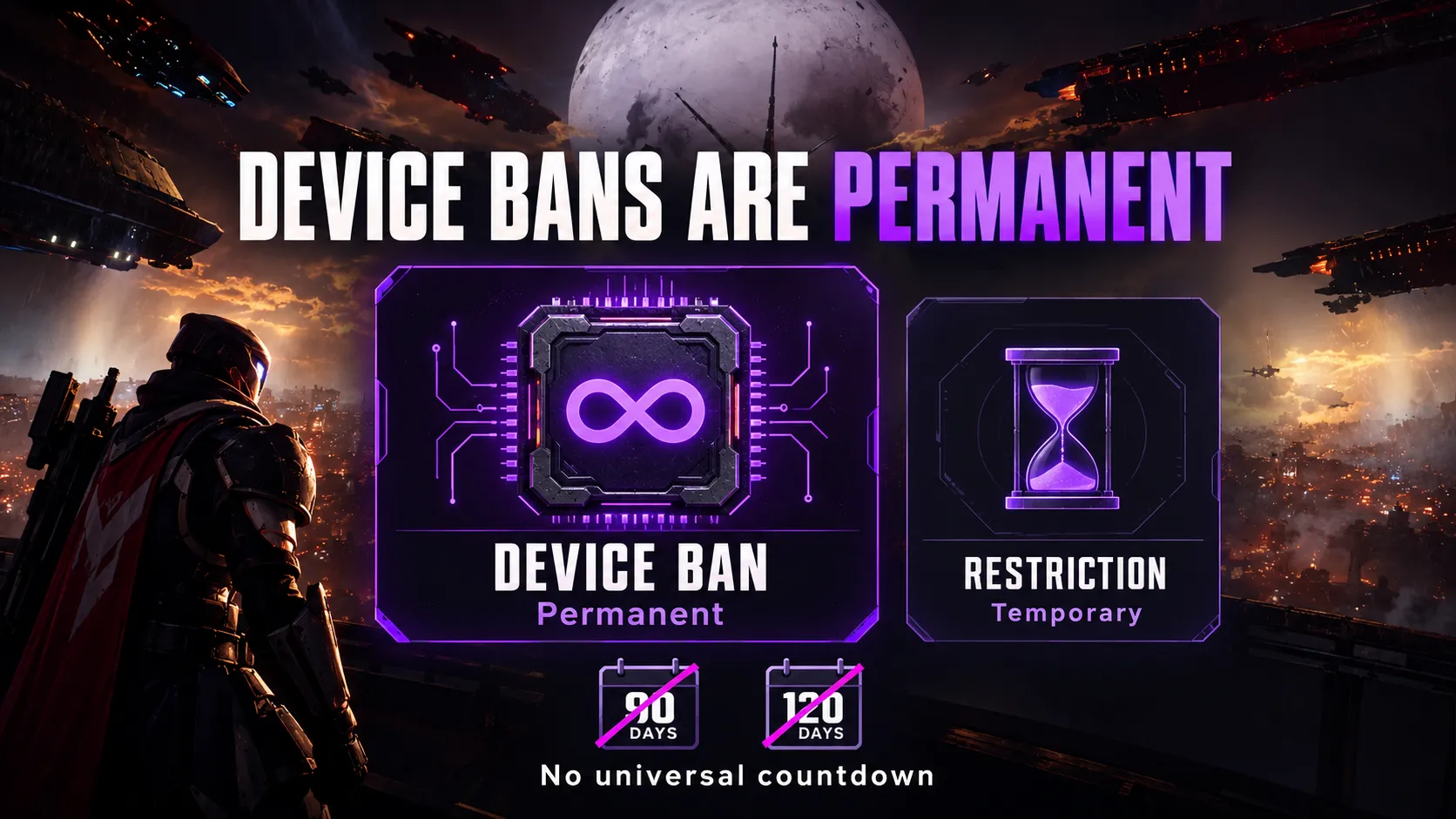
Bungie describes device bans as permanent. Temporary restrictions are a separate category.
Repeat violations can escalate to hardware enforcement, and egregious first offenses can qualify too.
Do not import a 90-day or 120-day timer from another game. A penalty duration needs a Destiny-specific source or a notice applying to your case.
Ask whether a claimed countdown comes from an official rule, your restriction notice or an anecdote.
A precise number is not evidence on its own.
How to check a suspected Destiny 2 HWID ban
Start with the message already on screen. Record what happened before deciding why it happened.
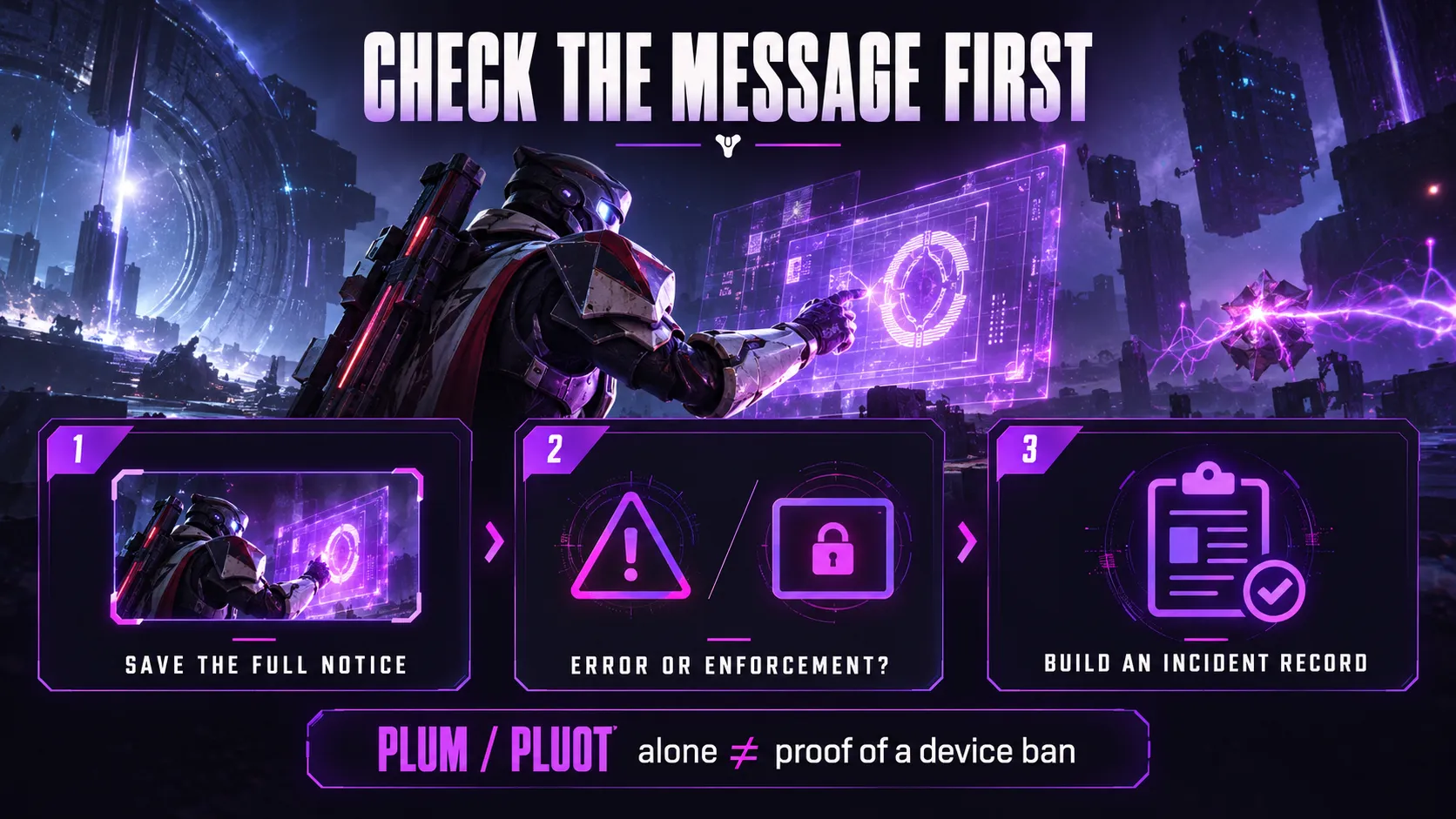
1. Save the complete message
Capture the full text, including any activity name, account reference and error code. Note the date, time, platform and launcher.
Avoid cropping away the part that distinguishes a warning, a restriction and a launch failure.
If you later describe the issue to support, use the original wording rather than replacing it with “HWID banned.”
2. Separate BattlEye errors from enforcement notices
Bungie’s BattlEye support guide says BattlEye is required for PC play.
It associates PLUOT with removing BattlEye or launching directly from the installation folder instead of Steam, Microsoft PC or Epic Games Store.
Its separate PLUM error guide describes a computer problem detected by BattlEye that may violate Bungie’s terms.
It also recommends checking for the latest Windows update.
Neither code alone establishes device-level enforcement. Follow the documentation matching the code rather than treating every anti-cheat interruption as the same condition.
Our Destiny 2 PC page describes our PC offering. Compatibility information does not diagnose an enforcement incident.
3. Build a short incident record
Keep these details together before making further changes:
- The exact notice or error, with an uncropped screenshot.
- The account and platform involved.
- Whether failure happened at launch, sign-in or activity selection.
- Recent installation, software or hardware changes.
- Troubleshooting already attempted and its result.
Mark uncertain details as uncertain.
For example, “the error began after an SSD replacement” is an observation; “the SSD caused a hardware ban” is a conclusion requiring separate evidence.
Do not use repeated new-account creation as your diagnostic method. It adds variables without establishing the original cause.
What triggers device enforcement, and which parts are identified?
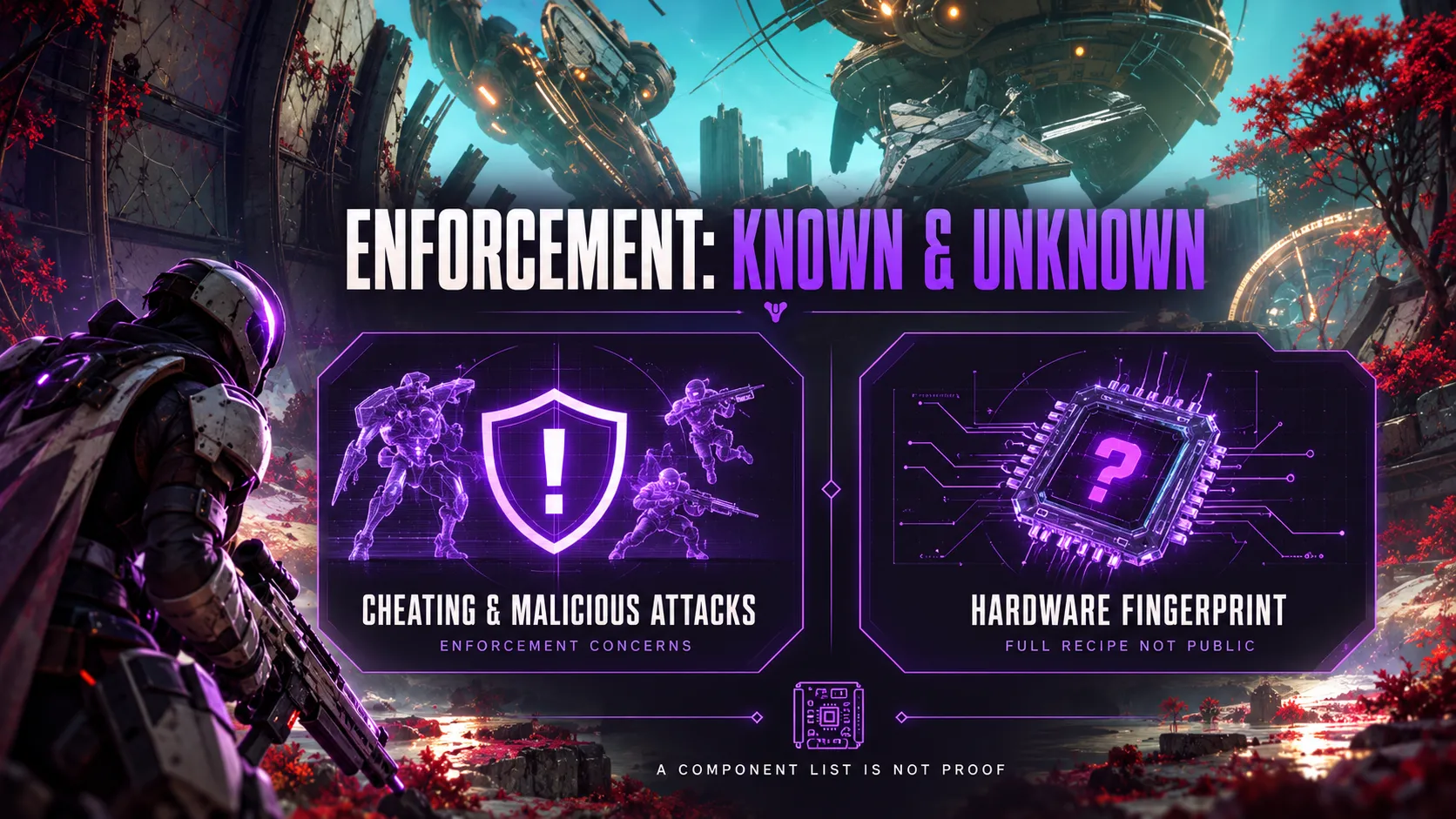
Bungie’s BattlEye guide identifies cheating and malicious attacks as enforcement concerns. Our Destiny 2 anti-cheat guide explains how BattlEye fits in.
However, it does not provide a public formula that lets us predict a particular player’s outcome.
Our Destiny 2 aimbot page and ESP and wallhack page describe product functions.
Those descriptions do not establish whether a specific incident involved account or device enforcement.
The official support pages reviewed do not disclose a complete current hardware-fingerprint recipe.
We cannot turn a seller’s component list into a confirmed Bungie blacklist.
That distinction matters when someone recommends replacing a motherboard, drive or graphics card. Before buying, ask what evidence connects that component to the problem.
A detailed list of serial numbers can sound convincing while leaving the central claim unproven.
Can you appeal a Destiny 2 hardware ban?
Bungie provides a Ban or Restriction Appeal contact form. Read its appeal instructions before submitting.
The form is for contesting enforcement.
Bungie says requests asking only for a ban reason or restriction length will be disregarded, and it does not guarantee a response or reversal.
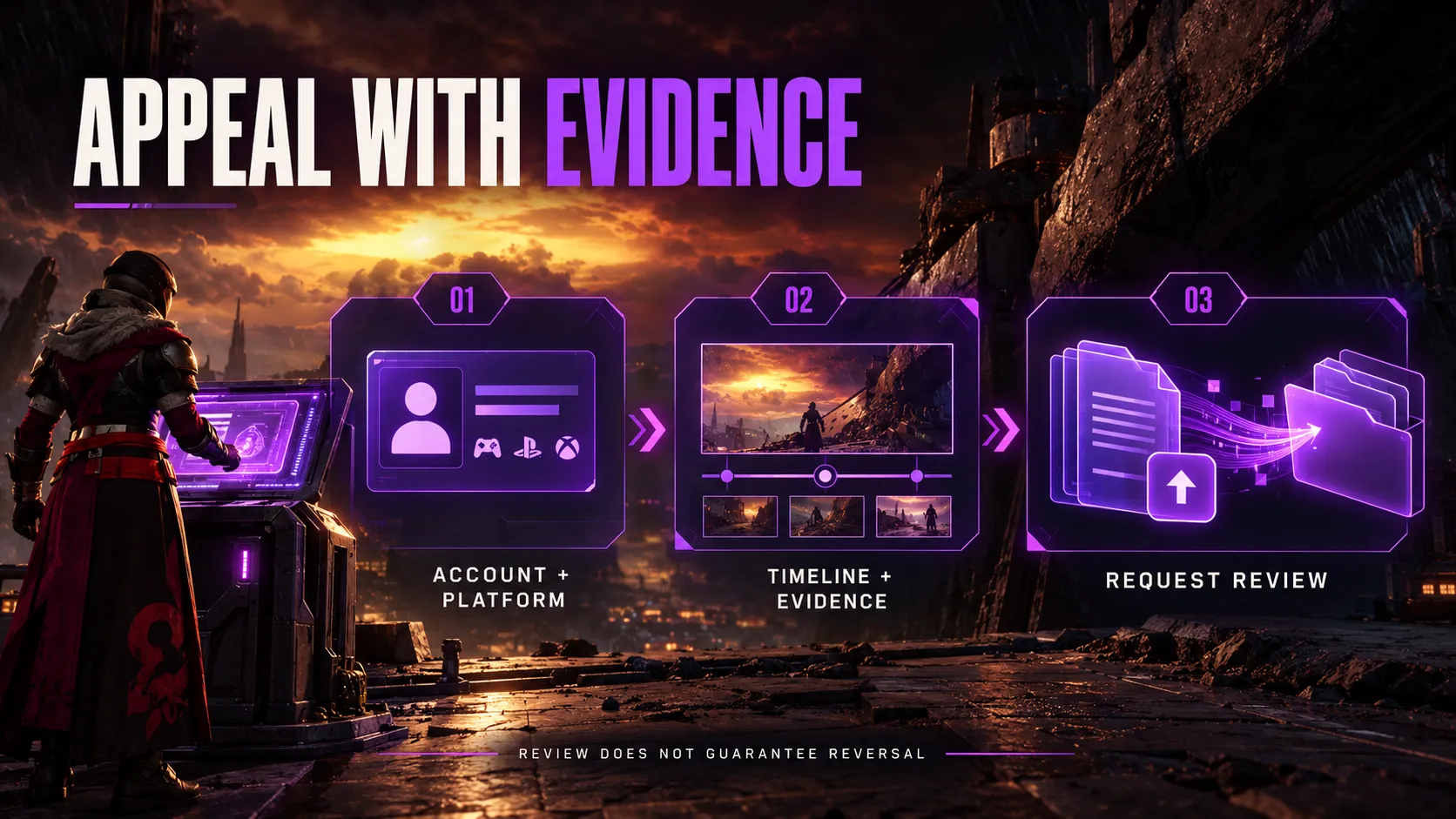
Prepare evidence that addresses your case
Use a short timeline with supporting material. A practical submission can contain:
- Identification: the relevant account and platform.
- Incident: when the message appeared and exactly what it said.
- Context: relevant account-access, purchase or system events.
- Evidence: screenshots, records or reproducible details supporting your explanation.
- Request: why you believe the decision should be reviewed.
This is our suggested organization, not an official mandatory template.
Keep the submission focused on facts you can support.
Bungie asks players to be honest about violations, including cheat software used. If a game bug is relevant, its guidance asks for reproduction details.
Set realistic expectations
An appeal is a request for review, not a promised reset.
Bungie warns that repeated submissions or abuse of the form can lead to further restrictions. It accepts image evidence through Imgur links and video evidence through YouTube links.
Before submitting media, check that it shows the relevant event clearly and does not expose passwords, recovery codes or unrelated personal information.
Save a copy of what you submitted so your own incident record remains consistent.
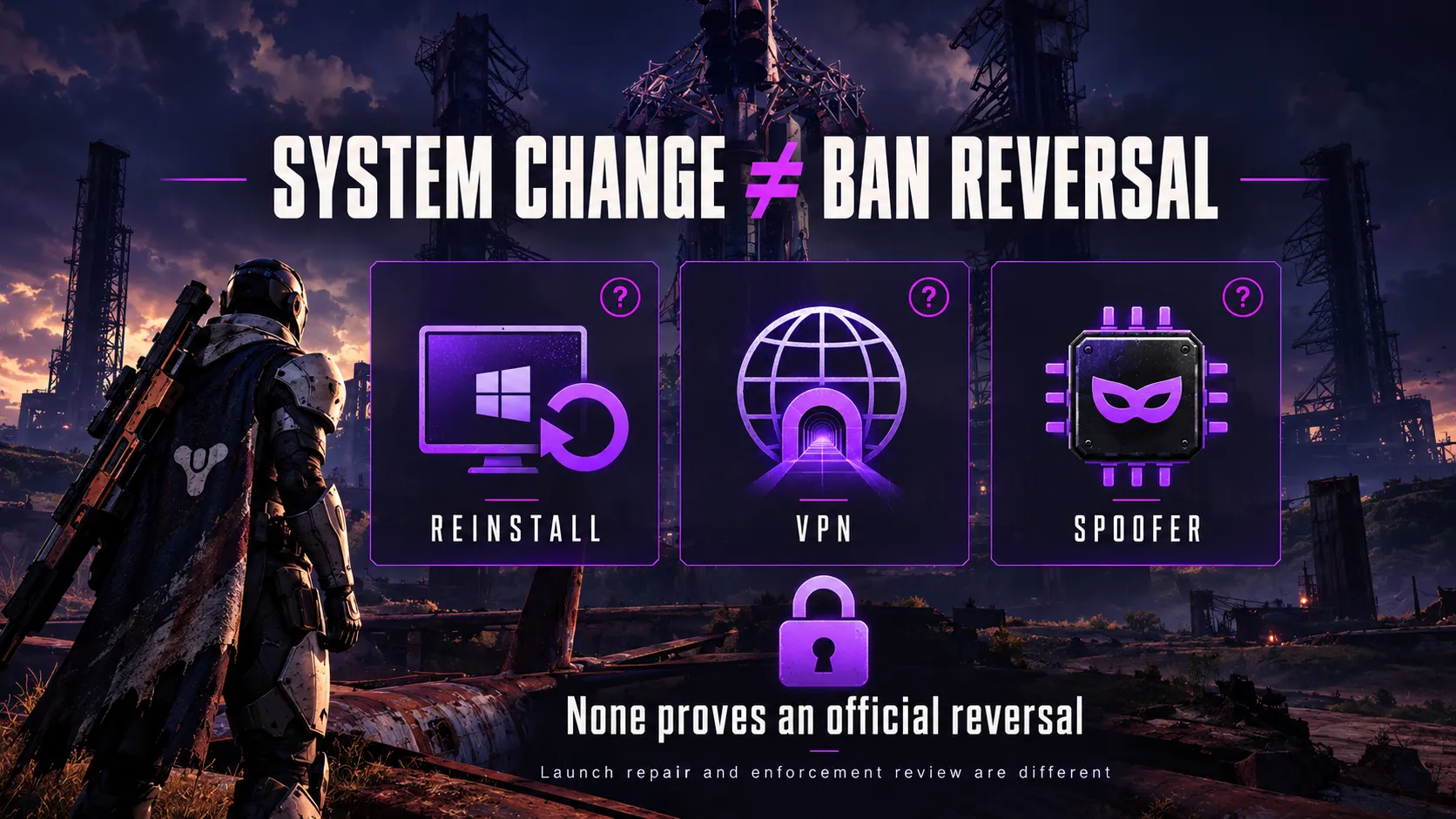
Can reinstalling Windows, a VPN or a spoofer remove the ban?
Do not confuse changing the system with reversing enforcement.
A successful reinstall proves that software was installed; a changed connection proves that the network path changed.
Neither observation establishes that a ban decision was withdrawn.
The same evidence standard applies to an HWID spoofer. A product feature name does not prove restored access, lasting compatibility or protection from future enforcement.
When assessing a claim, ask:
- Does “unban” mean an official reversal, or only an access claim?
- Does the evidence concern Destiny 2 and the relevant platform?
- Is it a documented test, a testimonial or a feature list?
- What happens if the claim fails?
We do not treat a vendor’s “undetected” label as independent verification.
Repairing a launch problem and resolving an enforcement dispute require different evidence. Identify which problem you have before paying for either.
What if you bought a used PC or share one?
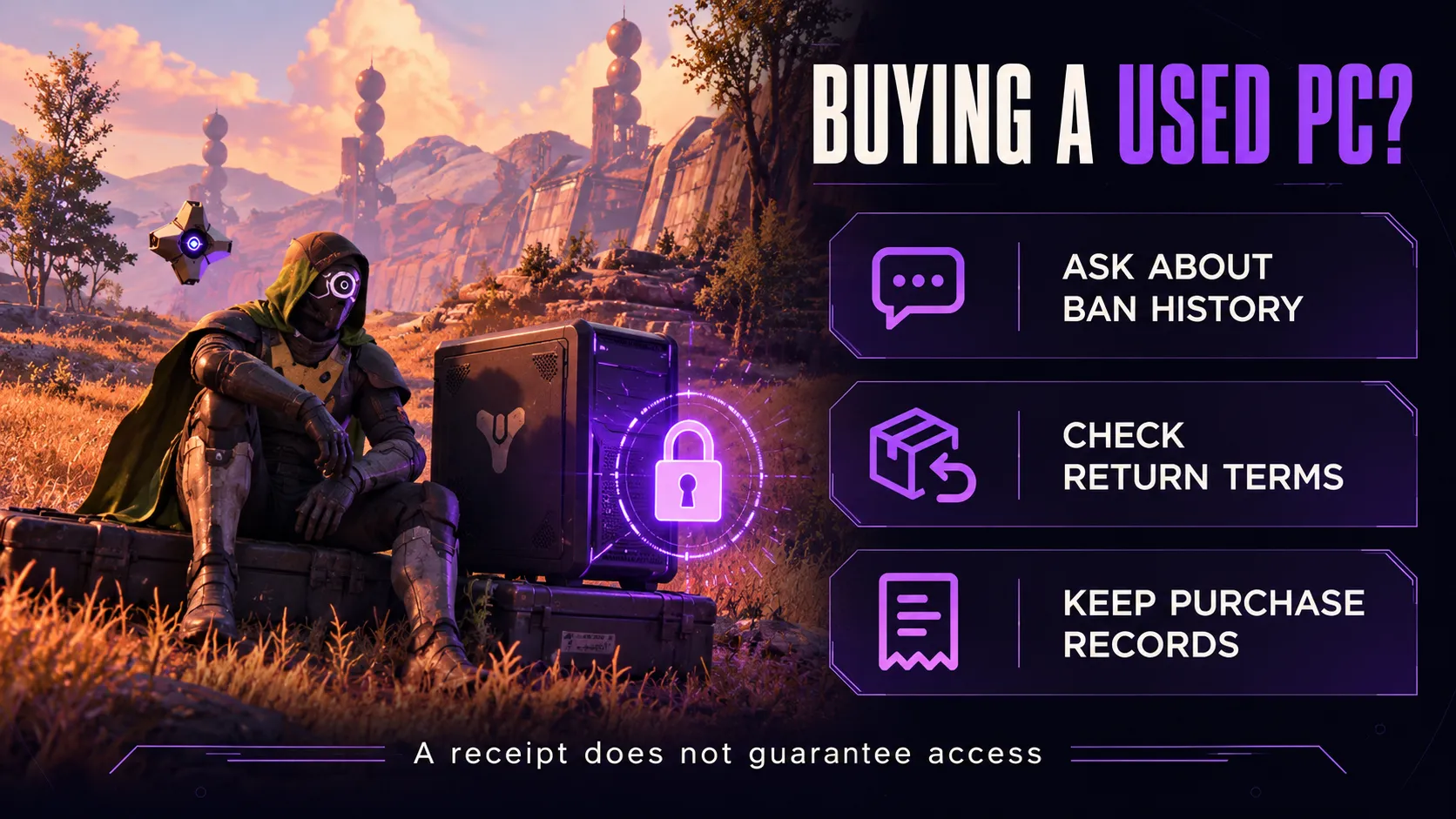
Bungie warns that previously banned used PCs or consoles cannot connect to Destiny.
A purchase receipt therefore documents ownership history; it does not, by itself, establish access eligibility.
If you are considering secondhand hardware, ask the seller about Destiny enforcement history and get the answer in writing.
Check the return terms before purchase, particularly if playing Destiny 2 is a main reason for buying.
We found no public pre-purchase device-status lookup in the Bungie support pages reviewed.
Treat a seller’s claim of a “clean HWID check” as something to substantiate, not a substitute for clear return terms.
For a machine you already bought, preserve the listing, receipt, purchase date and relevant messages.
These records can support a factual explanation to the seller or in an appeal, without proving that the enforcement itself was mistaken.
On a shared computer, keep separate notes about account access and device ownership.
Avoid attributing an incident to a particular person unless your evidence supports it.
Do PS5, Xbox and Cross Save change the answer?
Bungie’s device-ban policy also discusses consoles.
Our Destiny 2 PS5 page and Destiny 2 Xbox page cover separate platform offerings; they should not be read as promises to resolve enforcement.
Cross Save answers another question: which character set you access across linked platforms.
Bungie’s Cross Save guide says banned accounts cannot participate in Cross Save or alter existing setups.
Do not plan a character transfer around an assumed unban.
Before changing anything, record the affected account, existing links and exact restriction. Cross Save settings are not evidence that a separate device has been cleared.
Key takeaways
- Identify the exact message before buying a fix.
- Keep launch errors separate from enforcement notices.
- Do not rely on an unverified timer or component list.
- Prepare an honest, evidence-based appeal if you contest enforcement.
- Treat vendor access claims as claims requiring proof.
Frequently asked questions
Does Destiny 2 issue HWID bans?
Yes. Bungie officially documents device bans, commonly called HWID bans by players.
How long does a Destiny 2 HWID ban last?
Device bans are permanent. Do not assume a 90-day or 120-day expiry.
Does a new account fix a Destiny 2 device ban?
No. Bungie says a device ban blocks every account on that hardware.
Does error code PLUM prove I am hardware banned?
No. PLUM means BattlEye detected a computer problem that may violate Bungie’s terms. It does not, by itself, identify a device ban.
Does PLUOT mean my PC is banned?
Not by itself. Bungie associates PLUOT with uninstalling BattlEye or launching Destiny 2 directly from its installation folder instead of a supported launcher.
Can I appeal a Destiny 2 hardware ban?
Use Bungie’s Ban or Restriction Appeal contact form to contest enforcement. Supply relevant evidence; a response or reversal is not guaranteed.
Will reinstalling Windows or using a VPN remove the ban?
Neither should be treated as proof of a ban reversal. A successful installation or changed network connection does not demonstrate that an enforcement decision was withdrawn.
Can a used PC already be banned from Destiny?
Yes. Bungie warns that previously banned used PCs or consoles cannot connect to Destiny.
Can I use Cross Save to move a banned account?
Bungie says banned accounts cannot participate in Cross Save or change an existing setup. Cross Save is not an account-unban service.
Does an HWID spoofer guarantee access or prevent bans?
No guarantee follows from the feature name. Ask for evidence of the exact claim; a vendor’s product listing is not confirmation from Bungie that enforcement has been reversed.