Internal and external are common labels on Destiny 2 cheat listings, but they can obscure the question a player actually has: what changes in use, and does either design avoid a ban?
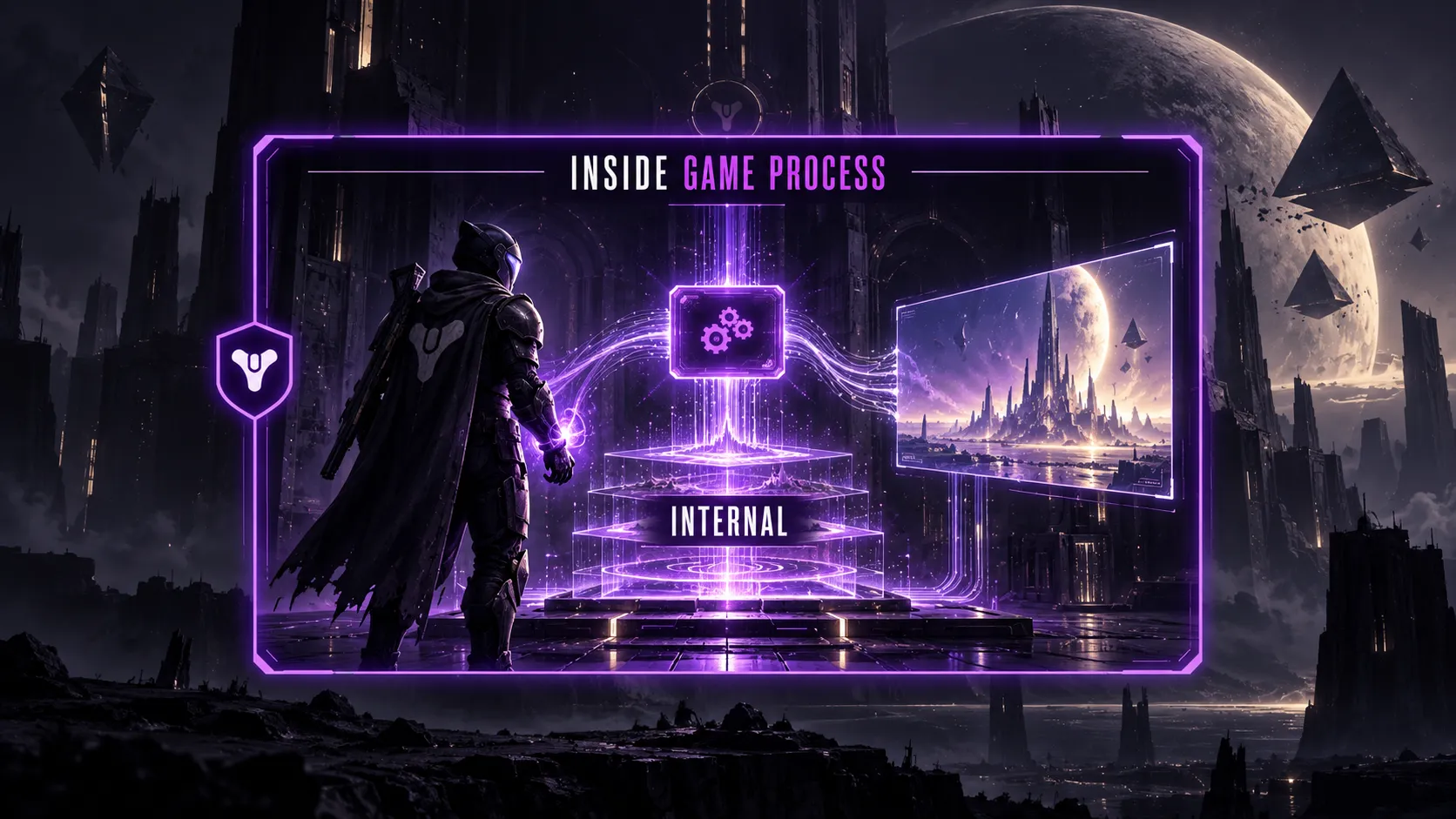
An internal cheat runs code within the game process, while an external cheat runs separately.
That difference affects implementation, but it does not establish what works in the current build or what BattlEye will detect.
Table of Contents
- Internal vs External Destiny 2 Cheats at a Glance
- What Is an Internal Cheat?
- What Is an External Cheat?
- Where Do DMA and Hybrid Designs Fit?
- Do the Two Types Offer Different Features?
- What Does BattlEye Change?
- Does PC vs Console Change the Comparison?
- How to Evaluate an Internal or External Claim
- Key Takeaways
- Frequently Asked Questions
Internal vs External Destiny 2 Cheats at a Glance
| Question | Internal | External |
|---|---|---|
| Where does its main code run? | In the game process | In a separate process or device |
| How might it interact with the game? | Through code or data within that process | Through access from outside the process, input or other mechanisms |
| Where might visuals appear? | Within the game rendering path | In a separate overlay or display |
| Does the label prove aimbot or ESP support? | No | No |
| Does the label establish ban risk? | No | No |
These are general software architecture descriptions, not verified specifications for any particular Destiny 2 product. A launcher window or a visible overlay alone does not tell you where the underlying code runs.
Microsoft’s documentation explains that Windows processes have protected address spaces; code loaded into another process differs from a separate program accessing it from outside. Microsoft’s memory protection overview provides the operating-system context.
What Is an Internal Cheat?
An internal cheat places some of its code within the running game’s process.
That can give its developer direct access to data and rendering paths inside that process. It also means the software is interacting with the client at a level Bungie explicitly tries to protect.
Bungie’s PC application compatibility guide says Destiny 2 resists third-party applications inserting code into its client. Bungie says this security choice can also make some ordinary overlay features incompatible.
An application failing to display an overlay is therefore a compatibility observation, not proof that an account has been banned.
Practical verdict: “Internal” describes access to the game process. It does not promise richer features, higher frame rates or a particular detection outcome for a specific Destiny 2 build.
What Is an External Cheat?
An external cheat keeps its principal code outside the game process.
That category can cover different designs, from a separate desktop application to a device that handles input or display. The word external alone does not specify whether it reads game data, modifies it, analyzes the screen or automates controls.
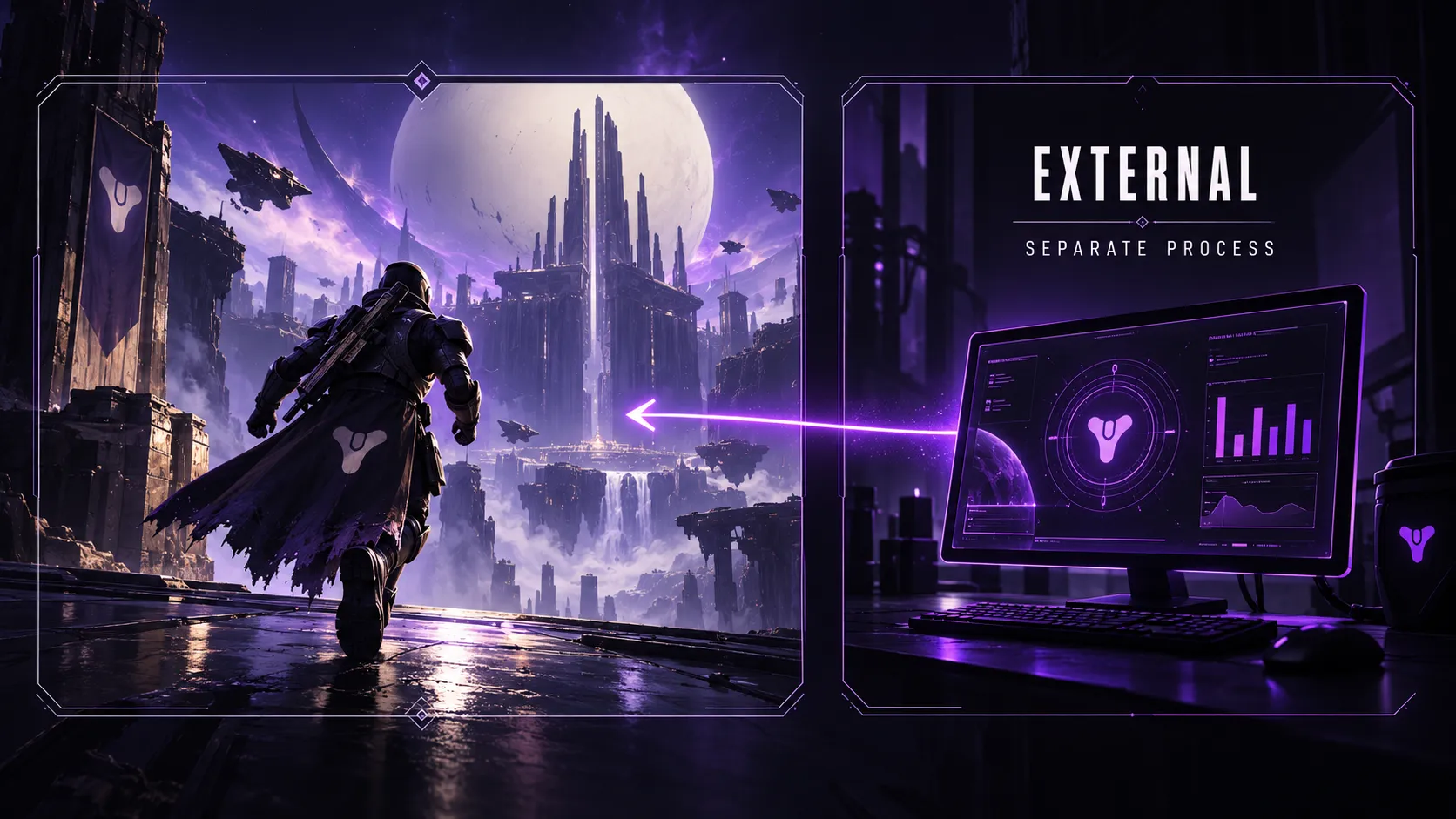
This distinction matters because Bungie’s account restrictions and banning policy expressly includes external programs used to modify or analyze Destiny software, as well as external programs or devices used to automate gameplay. Running outside the process is therefore no exemption from its rules.
Practical verdict: External means separate execution, not permission to use the tool or invisibility to anti-cheat.
Where Do DMA and Hybrid Designs Fit?
DMA and hybrid describe additional implementation details, not a guarantee of safety. Direct memory access (DMA) is a hardware mechanism for moving data; Microsoft’s DMA documentation describes the underlying computing concept. In cheat listings, “DMA” commonly refers to a device-assisted external arrangement. That label still does not establish what any specific Destiny 2 setup can do or whether it complies with Bungie’s policy.
A hybrid design places different components on opposite sides of the game-process boundary. For example, a product might describe a separate main application and a component inside the game. In that case, a single internal or external label leaves out information needed to understand the architecture.
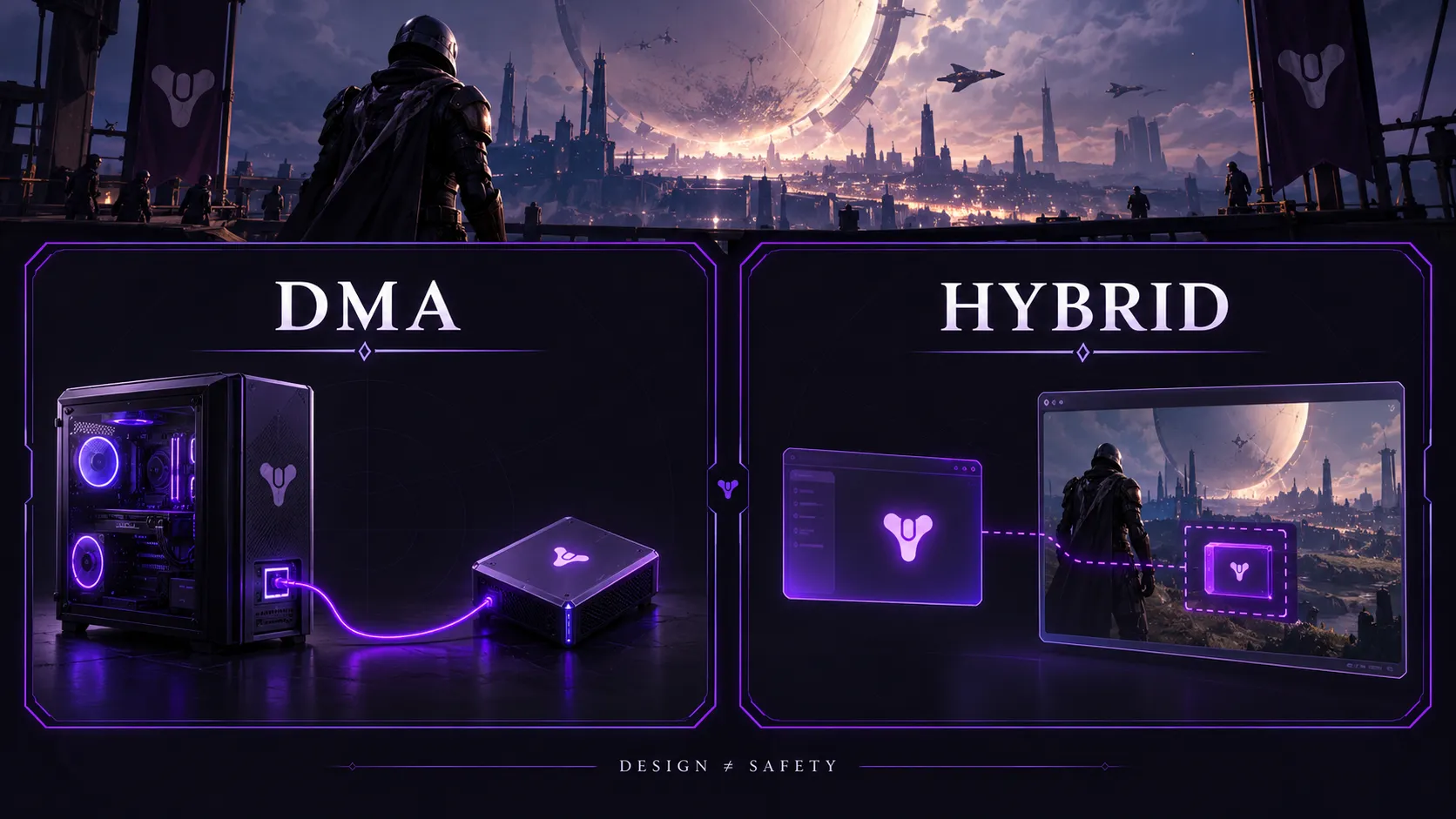
Practical verdict: Ask what actually runs in the game process, what runs separately and which platform the claim covers. Do not infer a detection outcome from “DMA” or “hybrid.”
Do the Two Types Offer Different Features?
The design can shape how a feature is built, but the feature list is a separate question. An internal or external listing might advertise aiming assistance or enemy visuals. Neither label proves that the advertised feature works in the latest Destiny 2 activity or that it works the same way on every platform.
For concrete examples of the advertised functions, our Destiny 2 aimbot features page describes aim settings, while our ESP and wallhack features page describes player and NPC visuals. These are our product descriptions, not independent tests of the underlying implementation.
The same caution applies to claims about smoothness. An internal design can avoid some work between processes, while an external design may have its own drawing or data-access costs.
Actual FPS and response time depend on the implementation, hardware and current game build. There is no defensible universal rule that one type always has “zero FPS loss.”
Practical verdict: Compare the exact advertised feature and a current demonstration. Do not infer a complete feature set from the words internal or external.
What Does BattlEye Change?
Destiny 2 uses BattlEye.
Bungie’s BattlEye support guide says the service is active when the game runs and describes it as protection against cheating. It does not publish a reliable ranking of internal versus external cheat designs by safety.
Bungie’s policy covers modified game software, programs that analyze or modify Destiny, and tools that automate play. It also says abuse of external accessibility aids to gain an advantage can lead to penalties, while accessibility aids that enable intended play are treated differently.
The purpose and behavior of a tool matter alongside its architecture.
Do not confuse a blocked overlay or a launch problem with a confirmed ban. Bungie says common applications such as Discord and OBS are not, by themselves, grounds for a ban, although particular features can be incompatible.
A compatibility issue alone does not establish an account penalty. Check Bungie’s account notice and policy for a confirmed restriction or ban.
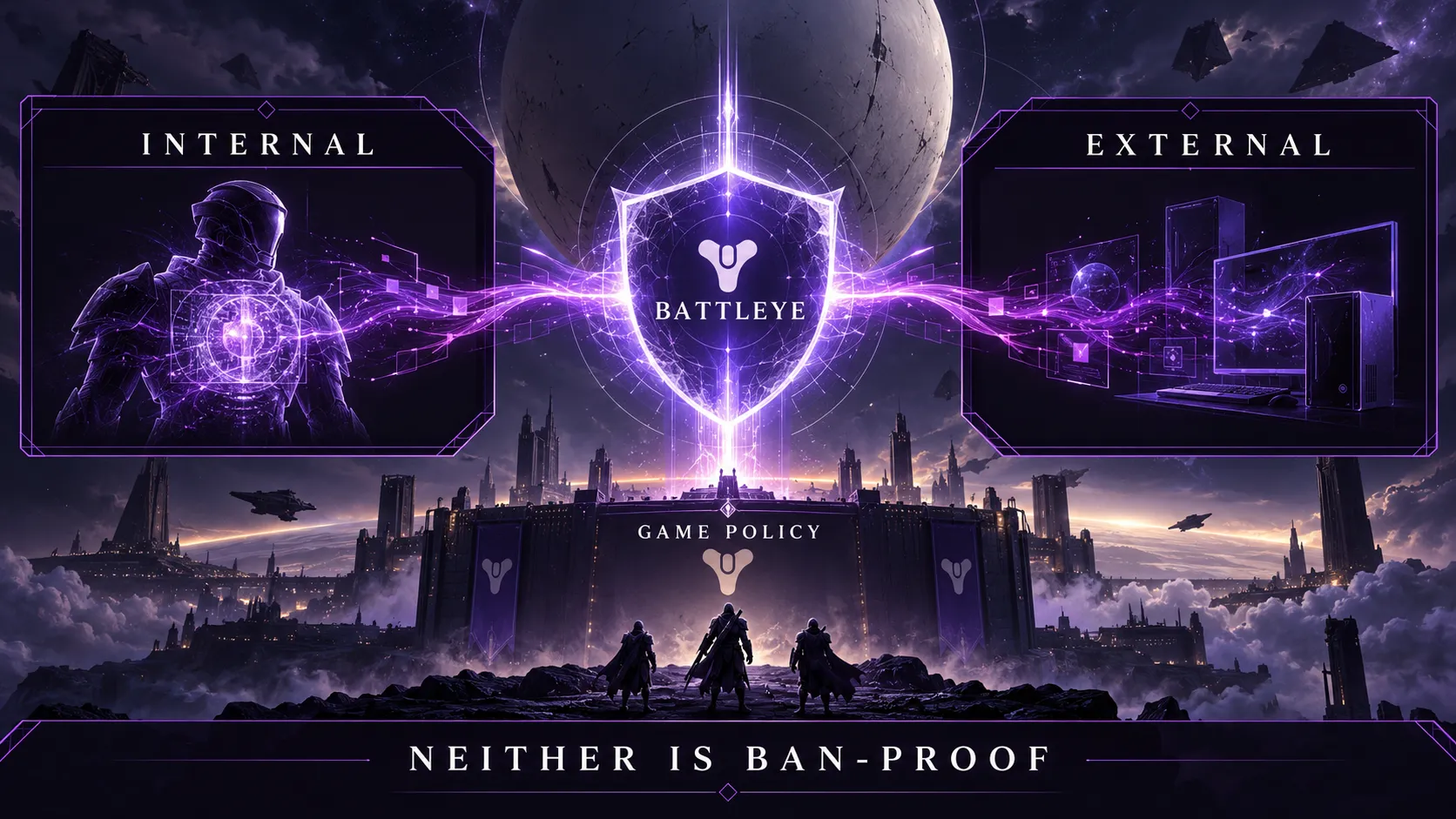
Practical verdict: Neither architecture is “ban-proof.” A product’s detection claims cannot override Bungie’s rules.
Does PC vs Console Change the Comparison?
The internal versus external distinction comes from how software relates to the process running the game. It is particularly useful when discussing PC software. It should not be carried over to console listings without a clear explanation of where the software runs and how the advertised feature reaches the game.
Our Destiny 2 PC page lists the PC offering. Our Xbox feature overview and PS5 feature overview describe their respective offerings, but those pages do not establish that an Xbox or PS5 uses the same process-level mechanism as a Windows PC.
Ask for a platform-specific demonstration before drawing that conclusion.
Practical verdict: Check the platform and delivery method before applying PC architecture labels to a console claim.
How to Evaluate an Internal or External Claim
A useful comparison asks for evidence that matches the actual product and game build:
- Identify the platform. PC, Xbox and PS5 claims need platform-specific explanations.
- Separate architecture from features. Ask what “internal” or “external” means for this build, then inspect the feature list independently.
- Look for current demonstrations. A video from an older game version cannot verify the current build.
- Treat detection language as a status claim. “Undetected” describes a claimed status at a point in time; it cannot guarantee the future.
- Read the developer’s rules. Bungie’s policy applies regardless of a seller’s terminology.
Game updates can make an old demonstration stale, so check its date against the current build.
Key Takeaways
- Internal means code runs within the game process; external means its principal code runs separately.
- The label does not prove which features work, how much FPS they use or whether BattlEye can detect them.
- Bungie’s policy covers unauthorized game modification and external tools used to analyze, modify or automate Destiny.
- Compare current, platform-specific evidence before accepting a product claim.
Frequently Asked Questions
Are external Destiny 2 cheats safer than internal ones?
There is no verified general ranking. They interact with the game differently, but Bungie’s policy covers cheating behavior and external tools too. Neither label guarantees safety.
Can BattlEye detect external cheats?
Do not assume an external tool is invisible. Bungie says BattlEye protects Destiny 2 against cheating, but it does not publish a complete detection map for each external design. A seller’s detection status is a claim about a particular build, not a guarantee.
Does an internal cheat always have more features?
No. Running inside a process can allow different technical approaches, but the available features depend on the specific build. Verify each advertised feature separately.
Is an overlay always an external cheat?
No. A visible menu does not reveal where the software’s main code runs. Bungie also documents compatibility limits for some ordinary application overlays, which are not necessarily cheats.
Are all external tools against Destiny 2’s rules?
No. Bungie distinguishes common third-party applications and legitimate accessibility aids from tools used to cheat or gain an unintended advantage. The tool’s function and use determine the relevant policy category.
Can an external tool cause a Destiny 2 ban in PvE?
Yes, cheating rules are not limited to Crucible. Bungie says it evaluates gameplay for abuse and specifically addresses automated activities used to earn loot. The architecture does not create a PvE exception.
Does internal mean injected?
Often, “internal” refers to code added to the running game process. The words are sometimes used interchangeably in listings, but a listing alone is not technical proof of implementation.
Is a blocked overlay the same as a ban?
No. Bungie warns that some overlay features are incompatible with Destiny 2. A confirmed restriction or ban should be assessed using the account message and Bungie’s policy, not the overlay’s behavior.
Do internal and external mean the same thing on PS5 and Xbox?
The concepts still refer to where code runs, but a console product may use an entirely different arrangement from a PC tool. Ask for a clear explanation and a current demonstration for the exact platform.
Which type should I choose for a specific feature?
Start with the feature and platform rather than the architecture label. Compare the actual advertised controls, a current demonstration and Bungie’s enforcement rules. If you want to inspect our advertised feature set, the Destiny 2 free trial page is a starting point; it does not remove ban risk.